What's New for the 2026-27 SAT
College Board just confirmed a batch of changes for the 2026-27 testing year. None of them change what's on the SAT — it's still the fully digital, section-adaptive test you take in the Bluebook app — but several change how you register, what device you test on, and the tools you'll have on screen. A few of these can quietly trip you up on test day if you don't check them in advance. Here's the rundown, the dates worth circling, and how to fold it all into your prep.
Official SAT Updates
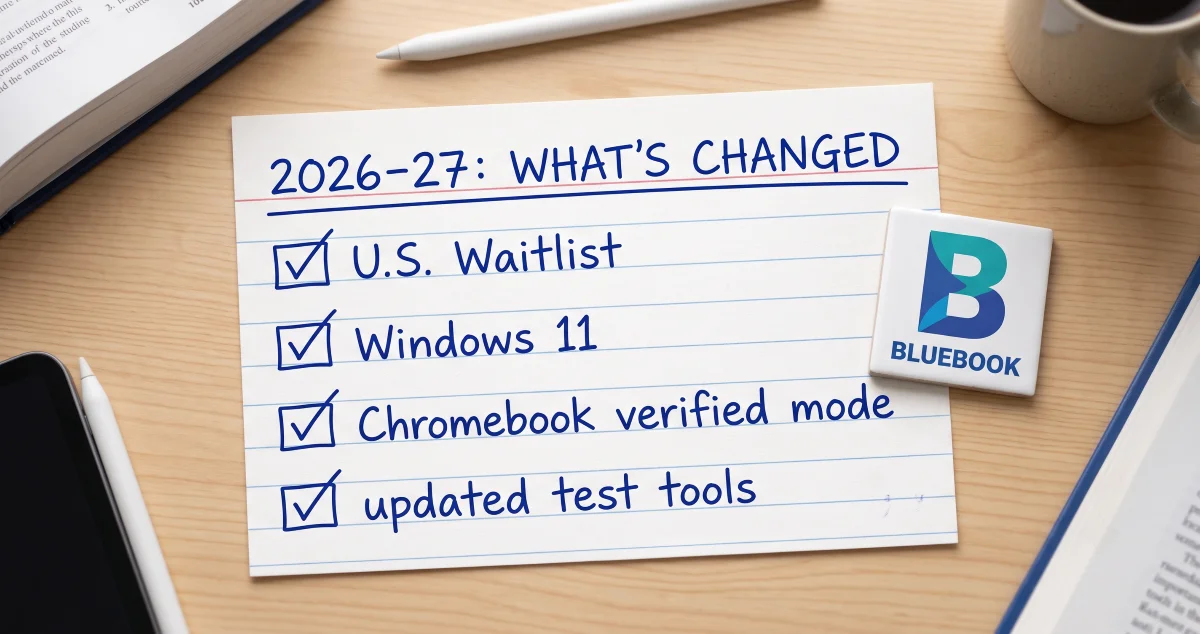
A U.S. waitlist is coming (Fall 2026). When your preferred date or center is full, students testing in the United States can join a waitlist to be automatically placed if a seat becomes available nearby. It's a real fix for the perennial "every center near me is booked" problem — but it's a backstop, not a substitute for registering early.
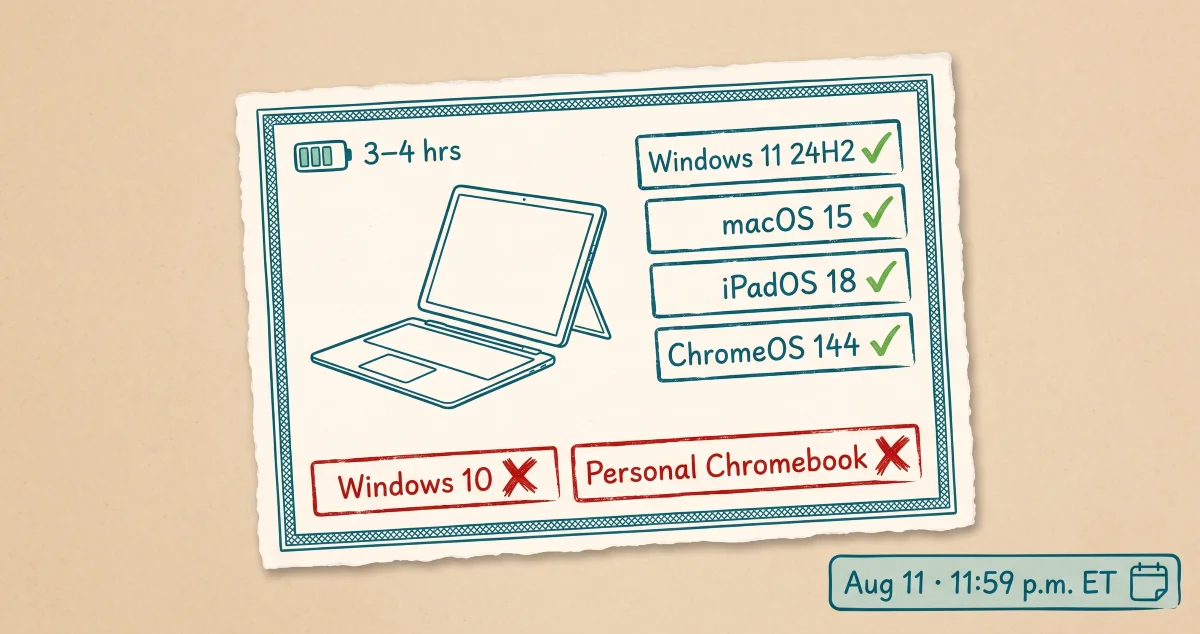
Bluebook will require Windows 11 (August 2026 administration). Because Microsoft no longer supports Windows 10, Bluebook will require Windows 11 beginning with the August 2026 test. If you test on a personal Windows laptop, confirm it's on Windows 11 well before test day.
Chromebooks need verified mode (Fall 2026). If you'll use a Chromebook — your own or a school device — Bluebook will run only when verified mode is enabled. Sort this out with whoever manages the device before you sit down to test.
Text-to-Speech moves to weekend test centers (Fall 2026). Students approved for the Text-to-Speech (Embedded) accommodation will take SAT Weekend at a test center rather than arranging a separate school session. If that's you, plan to bring your own wired, non-Bluetooth headphones. (Accommodations still require SSD approval — start that process early.)
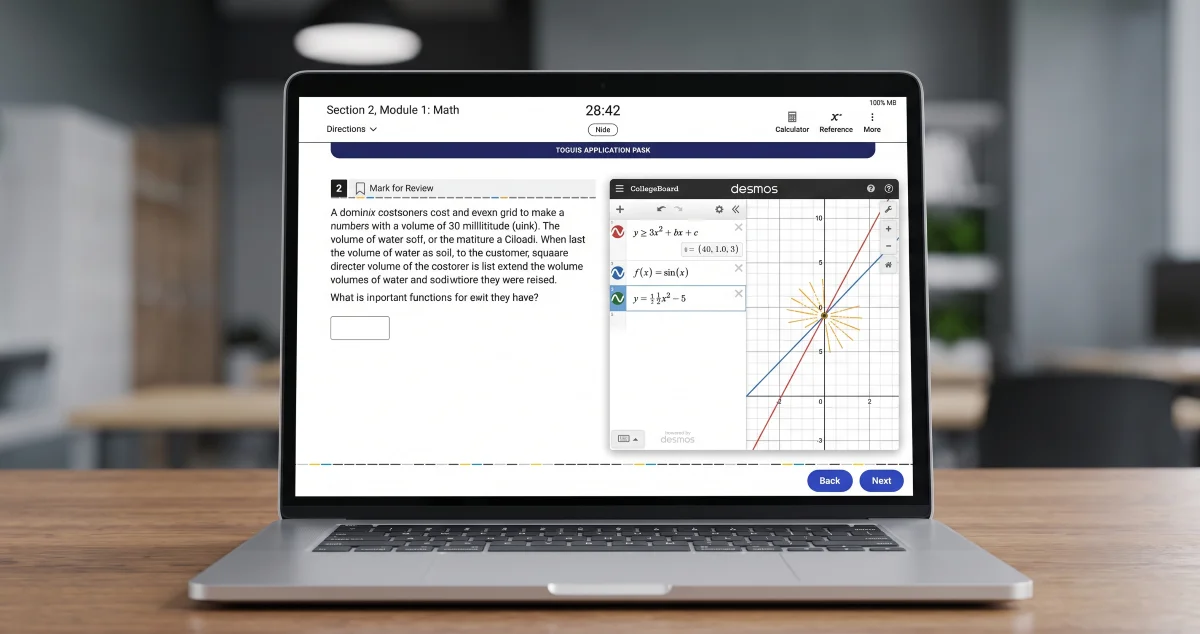
Updated on-screen tools. The embedded calculator in the Math section is now resizable, and reference sheets and images have been made easier to read. Small touches, but worth a minute of familiarization so nothing feels new on test day.
One note on the rumor mill: a "new full-length Bluebook practice test" is making the rounds. College Board's late-summer additions are full-length practice tests for the PSAT/NMSQT, PSAT 10, and PSAT 8/9 — great if you're prepping for those, but not a new SAT practice form.
Test Dates & Deadlines
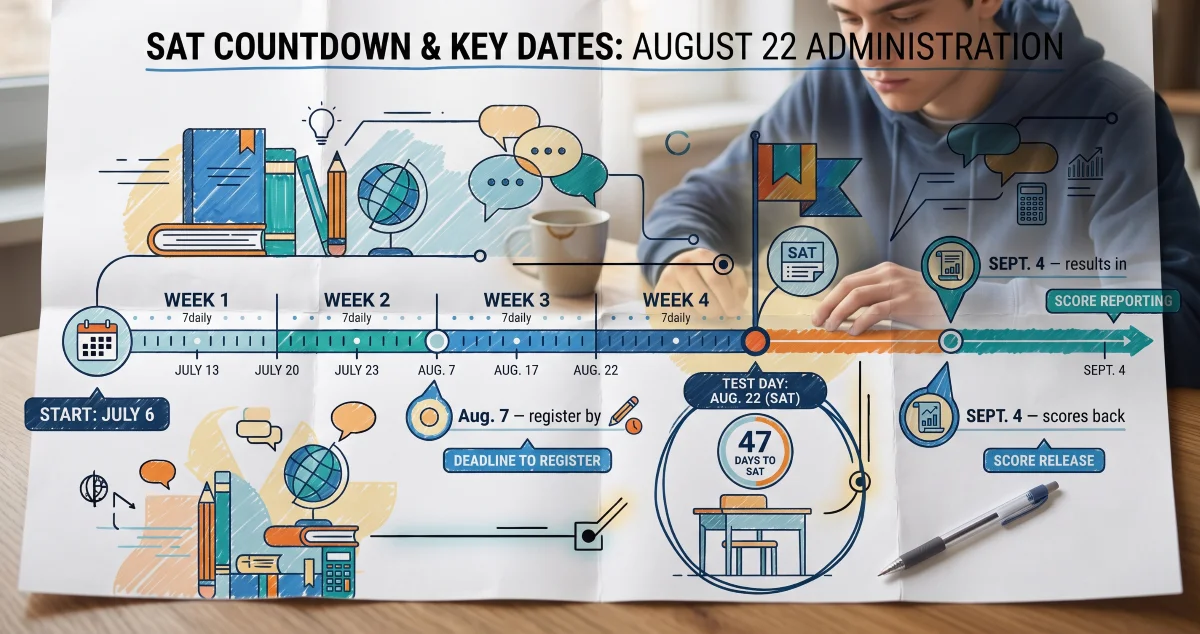
Registration is open for fall 2026. Deadlines fall on the listed day (U.S., 11:59 p.m. ET); late registration is available worldwide for an added fee, typically about four days after the standard deadline. Circle yours now:
| Test Date | Registration Deadline |
|---|---|
| Aug. 22, 2026 | Aug. 7, 2026 |
| Sept. 12, 2026 | Aug. 28, 2026 |
| Oct. 3, 2026 | Sept. 18, 2026 |
| Nov. 7, 2026 | Oct. 23, 2026 |
| Dec. 5, 2026 | Nov. 20, 2026 |
Planning a retake? Spring 2027 dates are already published: March 6, May 1, and June 5, 2027. Picking a primary date and a backup now means you can build a calmer, longer runway.
Featured Study Strategy
Practice on the exact device you'll test on. This year's device rules make a familiar tip more important than ever: take your official Bluebook practice tests on the same machine, OS, and login you'll use on test day. Doing so does three jobs at once — it surfaces any Windows 11 or Chromebook verified-mode issue while you still have time to fix it, it lets you get comfortable with the resizable calculator and updated reference sheets, and it gives you a realistic, full-length rehearsal of the adaptive format. Then do the part that actually moves your score: review every miss, sort it into a specific skill, and drill those skills before your next practice test. The test rehearses your stamina; the review earns the points.
Quick Tips
- Register early — then use the waitlist if needed. Seats and preferred centers fill first; the waitlist is your backstop, not your plan A.
- Check your tech now. Confirm Windows 11 (for the Aug. 2026 test onward) or Chromebook verified mode before deadline day, not the night before.
- TTS-approved? Pack wired headphones. They must be wired and non-Bluetooth — confirm your SSD accommodation is approved in advance.
- Spend two minutes with the new tools. Resize the calculator and skim the updated reference sheet in a practice session so they're old news on test day.
- Track misses by skill, not by test. Patterns across practice tests show you exactly where an hour of study pays off most.
Keep Going with ExamNexus AI
The logistics are on you — but figuring out what to study doesn't have to be. Take a practice set on ExamNexus AI, and your performance analysis pinpoints the exact skills costing you points, while your study roadmap turns them into a week-by-week plan that lines up with the fall date you pick above. Lock in your test date, confirm your device, then let your dashboard tell you what to work on next. Start your next practice session today.
Sources
- https://satsuite.collegeboard.org/sat/testing-staff/changes
- https://satsuite.collegeboard.org/sat/dates-deadlines
- https://satsuite.collegeboard.org/waitlist
- https://satsuite.collegeboard.org/practice/practice-tests/bluebook